Share by QR code
Every card has its own QR code for meetings, exhibitions, printed materials and email signatures.
Digital business cards
Replace printed cards with official digital business cards for every employee. Share them by QR code, NFC or the phone wallet, keep the design on brand, and update or deactivate any card from one dashboard.
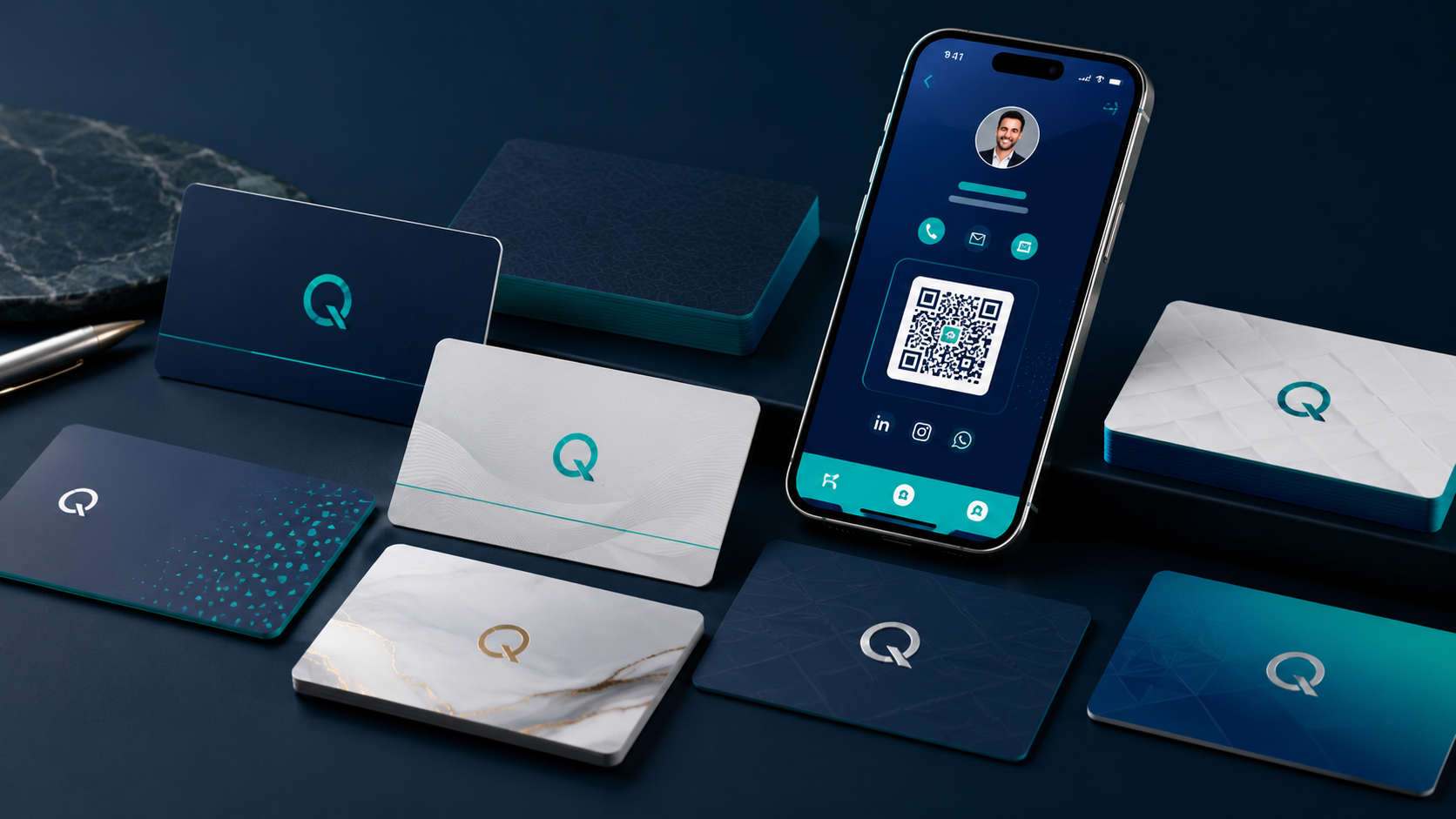
Each employee gets a professional digital card and public profile that opens in any browser. The person you meet does not need to install an app.
Every card has its own QR code for meetings, exhibitions, printed materials and email signatures.
Recipients add name, title, phone and email straight to their contacts with a vCard download.
Employees keep their card in the phone wallet, ready to show and share without opening a website.
Link an NFC card or tag to the employee profile so a tap on a phone opens the official card.
Names, job titles and the full card experience work in both languages, with proper right-to-left Arabic layout.
Generate a consistent email signature for each employee from the same approved card details.
Personal card apps leave each employee in charge of what they publish. CardIQ keeps the company in charge of the information, the design and who is still authorized to represent you.
Apply your logo, colours and layout to every card so the whole team looks consistent.
Change a phone number, title or office address once and every shared card shows the current details.
When someone leaves, deactivate their card so they no longer appear as an active employee.
Cards can show that the company domain is verified, helping customers trust who they are dealing with.
Visitors can share their own details back from the card, and leads can flow into your CRM, including HubSpot.
Add employees one by one or upload the whole team at once, then invite them to the mobile app.
Register for free and add your logo and company details. Paid plans add branded card templates.
Enter employee details or upload them in bulk, in Arabic, English or both.
Employees share their cards by QR, NFC, the phone wallet or a simple link.
| What matters | Printed cards | Personal card apps | CardIQ |
|---|---|---|---|
| Update details after sharing | Reprint needed | Each employee updates their own | Central update by the company |
| Consistent company branding | Yes, until the next redesign | Depends on each employee | Enforced by company templates |
| When an employee leaves | Old cards stay in circulation | The employee keeps the card | The company deactivates it |
| Arabic and English | Two printed sides | Often English only | Both, with right-to-left layout |
A digital business card is an online version of a printed card. It holds your name, job title, phone, email, company details and links, and you share it by QR code, NFC, the phone wallet or a link.
No. The card opens in any phone or computer browser, and the contact can be saved directly to the phone.
Yes. CardIQ supports Arabic and English names and job titles, with a right-to-left Arabic layout.
Yes. Employees can add their CardIQ card to Apple Wallet or Google Wallet and share it from the phone.
The company deactivates the card, so anyone who scans it later no longer sees the person as an active employee.
Yes. You can register and create cards on the free plan, then upgrade for templates, leads, analytics and larger teams. See the pricing page for current plans.
Explore the CardIQ Identity platform or review the workflow from verification through identity deactivation.
See how CardIQ Identity works View pricing